The best tools for creating church social media graphics (UK guide)
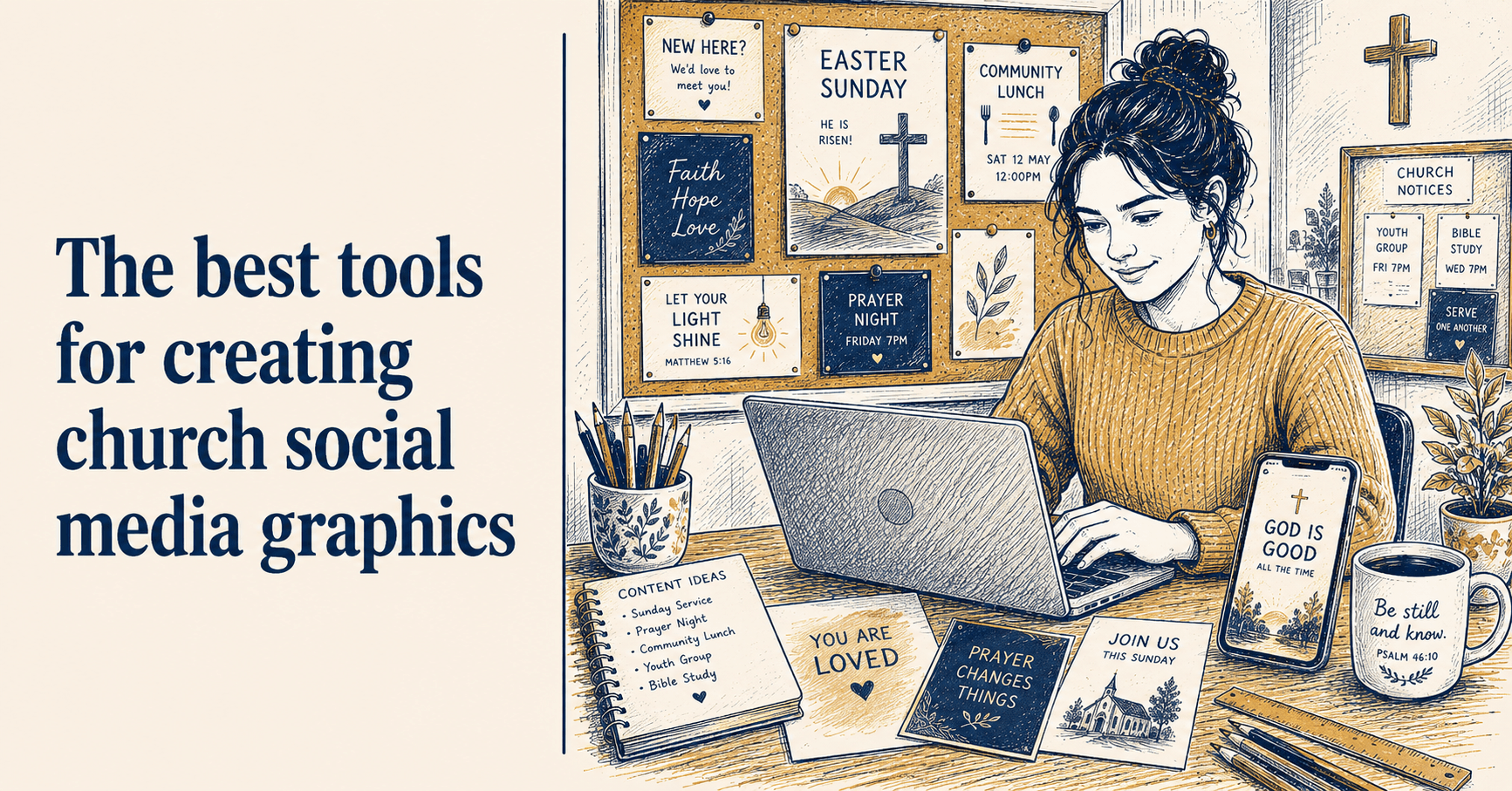
If you manage your church's social media, at some point you have faced the graphics problem. You need an image for Sunday's service announcement. Or a Harvest Festival post. Or something to mark Remembrance Sunday. And you are standing in front of a blank screen wondering how to produce something that looks reasonable without spending three hours on it or paying a designer.
The good news is that the tools available for this have improved significantly in the last few years, and several of them are either free or very reasonably priced. The less good news is that most of them are built with a US audience in mind, which means the templates, the default language, and the occasions they cater for do not always match what a UK church needs.
This guide runs through the main options honestly, covering what each tool is genuinely good for and where it falls short for UK church use.
What to look for in a church graphics tool
Before getting into specific tools, it helps to be clear on what you actually need.
Speed over perfection. A volunteer with limited time needs a tool where producing a decent graphic takes ten minutes, not forty-five. Flexibility is less important than efficiency.
UK-appropriate templates. Harvest Festival, Remembrance Sunday, Mothering Sunday, Christingle, Lent, Patronal Festival: these are the occasions your church marks. A tool whose template library was built for US megachurches will not have them, or will have versions that feel slightly off.
Consistency. Using the same fonts and colours across all your graphics is what makes a church's social media look intentional rather than assembled from whatever was available. The best tools make this easy to maintain rather than something you have to manually recreate each time.
Simple export. The fewer steps between finishing a graphic and getting it onto Facebook or Instagram, the better.
Canva
Canva is the most widely used free design tool for churches and is a reasonable place to start. The free tier covers the basics: you can create social media graphics, save them, and download them without paying anything. The interface is accessible enough for most volunteers to pick up without much difficulty.
For UK churches, the main frustration with Canva is the template library. The church-specific templates lean heavily toward a US aesthetic: bold, high-contrast, occasionally with language and imagery that feels foreign to a UK congregation. You can find templates that work, but you will spend time sifting past ones that do not.
Canva's Brand Kit, which lets you save your church's colours and fonts for easy reuse, is locked behind the paid plan. Without it, applying consistent branding requires you to remember your colour codes each time, which is easier to get wrong than it should be.
Best for: Churches that want a free, flexible tool and do not mind spending time finding appropriate templates. Strong if someone in your congregation has design experience and can set up a master template for others to use.
Limitations: US-focused template library, consistent branding requires the paid plan, no connection to scheduling tools.
Adobe Express
Adobe Express (previously Adobe Spark) is a less commonly known alternative with similar capabilities to Canva. The free tier is more restricted, but the output quality is high and the interface is clean and approachable.
It is worth knowing about if Canva does not suit you, but it is not the first recommendation for most church volunteers starting out.
Best for: Churches already using Adobe products, or volunteers who find Canva's interface cluttered.
Limitations: Smaller template library than Canva, free tier more limited.
Microsoft Designer
Microsoft's AI-assisted design tool, free and integrated with Microsoft 365 if your church uses it. The distinctive feature is that it generates graphics from a text description using AI, which means you can describe what you want and get a starting point without choosing from a template library.
The quality is variable but improving. It works well for one-off graphics where you want something visual without building it yourself. Less suited to producing consistent, branded content week after week.
Best for: One-off graphics, churches already on Microsoft 365, volunteers comfortable experimenting with AI tools.
Limitations: Inconsistent output quality, not designed for ongoing content production, limited branding control.
AI image generators (Midjourney, Adobe Firefly, ChatGPT)
Worth mentioning separately from design tools. AI image generators like Midjourney, Adobe Firefly, and ChatGPT's image generation do not produce finished graphics - they produce illustrations and images that you then bring into a design tool and add text to.
Where they genuinely shine for church social media is in producing original illustrations: a scene relevant to a particular Sunday theme, a seasonal image for Advent or Lent, a background for a graphic you are building elsewhere. The editorial illustration style many of these tools can produce is more distinctive than stock photography and gives your graphics a visual identity that stands out.
Adobe Firefly is free and a reasonable place to start. ChatGPT's image generation (requires a paid plan) produces particularly strong results for illustrated, editorial-style imagery.
Best for: Adding original, distinctive imagery to graphics you are building in another tool.
Limitations: Cannot produce finished, text-inclusive graphics reliably. Requires combining with a separate design tool.
Stock photo libraries
For photography rather than illustrations, two free sources are worth bookmarking.
Unsplash has a large library of high-quality photography, free to use for non-commercial purposes. For church social media, searches for "community", "light", "candle", "autumn" and similar tend to return genuinely usable results. Avoid anything that looks posed or corporate.
Pexels is comparable in quality and equally free. Worth checking both if one does not have what you need.
ChurchReach
ChurchReach is built specifically for UK church volunteers, which shapes everything about it in a way that general-purpose tools do not attempt. Where Canva is a blank canvas that happens to have some church templates, ChurchReach starts from the assumption that you are managing communications for a UK church and builds outward from there.
Templates built for UK occasions. The template library covers the occasions UK churches actually observe: Harvest Festival, Remembrance Sunday, Christingle, Advent, Mothering Sunday, Carol services, Patronal Festival. These are not US templates adapted for a UK audience. They are designed from the start for a UK church context.
Your church's brand colours and fonts. In the settings, you add your church's primary colours and preferred fonts once. They then appear at the top of the colour picker and font selector every time you open the editor, so every graphic you produce is on-brand without you having to remember a hex code or scroll through a font list. Over time this is the thing that makes your church's social media look consistent rather than assembled from whatever was available that week.
Your church's voice. ChurchReach lets you store a description of your church's tone and communication style. The AI caption writer uses this when suggesting text, so the output sounds like your church rather than a generic social media tool. A charismatic church in Birmingham and a rural CofE parish in Shropshire should not be getting the same suggested captions, and with ChurchReach they do not.
Bible verse integration. A built-in Bible verse picker lets you search by reference or keyword and insert a verse directly onto your canvas, formatted and ready to use. Translations include NIV (Anglicised), NLT, NKJV and KJV. For churches that post Bible verses regularly, which is most of them, this alone saves a significant amount of copy-and-paste time across a week.
Vector icons and illustrations. The editor includes a searchable library of vector icons relevant to church life: crosses, doves, candles, flowers, church buildings, seasonal imagery. Drop them onto any graphic, resize them, recolour them. No need to search a separate stock library for a simple decorative element.
Unsplash photography built in. Search and insert high-quality photography directly from within the editor, without switching tabs, downloading an image and re-uploading it.
Scheduling in the same tool. A graphic you create goes straight into your content calendar without being downloaded, uploaded elsewhere and scheduled as a separate step. For a volunteer batching a week's content in one sitting, removing that friction makes a real difference.
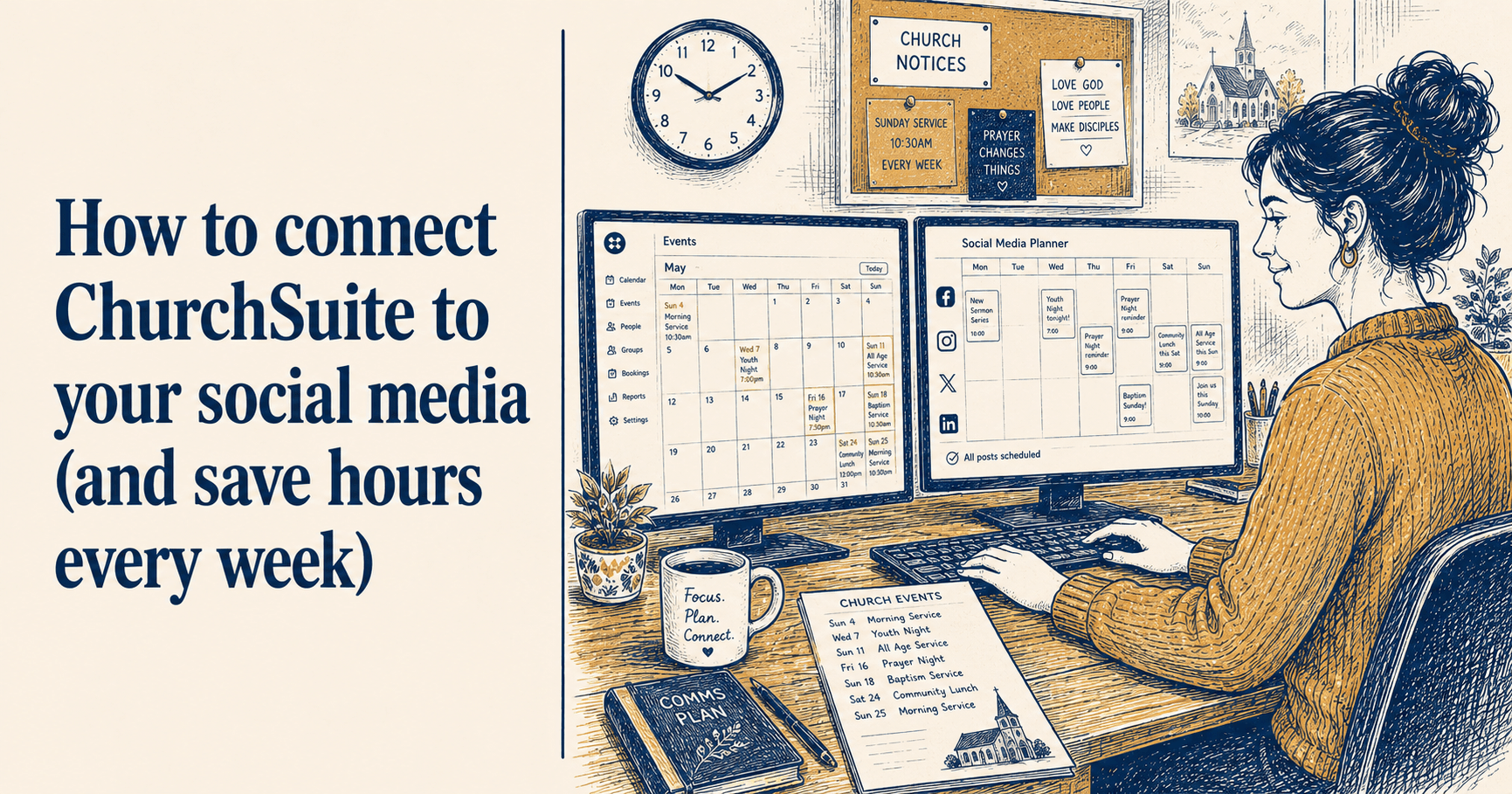
ChurchSuite integration. If your church uses ChurchSuite, ChurchReach pulls your upcoming events in automatically and prompts you to create posts around them. The two tools work together rather than in parallel.
The free trial runs for seven days. It is not a free tool indefinitely, but the trial is long enough to get a genuine sense of whether it suits how your church works.
Best for: UK church volunteers who want everything in one place: templates for UK occasions, consistent branding, Bible verse tools, scheduling and AI captions that understand their church's voice.
Limitations: Paid subscription after the trial period.
The honest comparison
No single tool is perfect for every church. If you are a small congregation with a volunteer who has an hour a week and no budget, Canva's free tier is a workable starting point. If you are a slightly larger church where consistent branding and efficient scheduling matter, ChurchReach is worth the trial.
The thing that makes the biggest practical difference, regardless of which tool you use, is having a system: one template per content type, saved somewhere you can find it again, with your church's colours and fonts already applied. You open the template, update the details, and you are done. The tool matters less than the habit.
If you want to try templates built specifically for UK church occasions, ChurchReach offers a seven-day free trial at churchreach.co.uk.