How to connect ChurchSuite to your social media (and save hours every week)
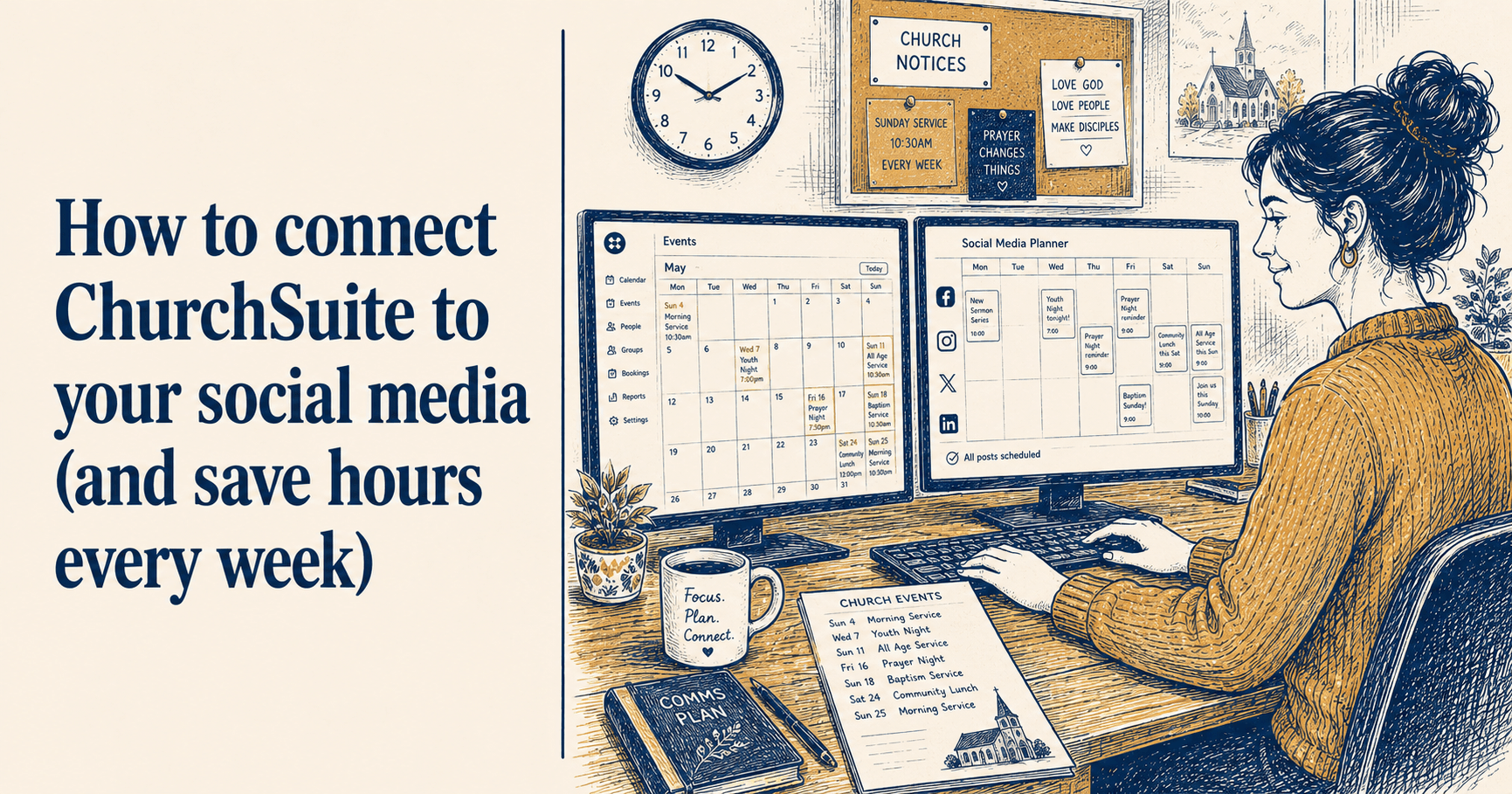
If your church uses ChurchSuite, you already have a detailed, up-to-date list of everything that is happening across the year. Services, courses, community events, youth groups, toddler groups, special Sundays: it is all there, confirmed and dated.
Most churches then completely ignore this when it comes to social media. The person managing ChurchSuite and the person managing Facebook are often different people, working from different lists, duplicating effort and occasionally contradicting each other when something changes. An event gets updated in ChurchSuite but nobody thinks to update the Facebook post that went out two weeks ago. A new service gets added but it never makes it to Instagram.
There is a straightforward fix for this, and it does not require much technical knowledge to implement.
What ChurchSuite's public calendar feed is
ChurchSuite has a feature most churches do not fully use: a public-facing calendar embed that generates a feed of your upcoming events. This is designed for embedding a calendar widget on your church website, but it has a more useful application for social media: it gives any connected tool a live, always-current list of what is coming up at your church.
The feed only includes events you have marked as public-facing ("Show in Embed" in ChurchSuite's calendar settings). Internal events, private entries, and anything you have not specifically chosen to share publicly stays private. So you are not exposing anything sensitive by enabling it.
Setting it up in ChurchSuite takes about five minutes.
Setting up your ChurchSuite calendar feed
You will need admin access to your ChurchSuite account to do this.
Step 1: Log into ChurchSuite and go to the Calendar module.
Step 2: Click the settings icon in the top right corner and select the Embed Options tab.
Step 3: Click "Add configuration". Give it a name - something like "ChurchReach sync" or "Social media feed" so it is obvious what it is for when someone looks at it later.
Step 4: Choose which events to include. If you want all public events synced, leave the filter settings as they are. If you only want certain categories (services only, for example), you can filter here.
Step 5: Click Save, then find the configuration you just created in the list. Click Preview and copy the URL from the browser address bar. It will look something like this:
https://yourchurch.churchsuite.com/-/calendar/abc123.../
That URL is your feed. Keep it safe - it is what you will paste into ChurchReach (or any other tool) to pull in your events.
What happens when you connect it to ChurchReach
Once your ChurchSuite feed is connected to ChurchReach, your events sync across automatically every hour. No manual data entry. No copying dates from one system to another.
Every confirmed public event from ChurchSuite appears in your ChurchReach calendar, marked with a purple "ChurchSuite" chip so you can see at a glance which events came from where. These events are read-only in ChurchReach - if something changes in ChurchSuite, the update comes through on the next sync. You always edit the source in ChurchSuite and the change flows through.
More usefully, ChurchReach uses your ChurchSuite events to suggest social media posts. When your Harvest supper is coming up in three weeks, ChurchReach flags it and suggests a post. When your carol service is six days away, it prompts you to create an announcement. The suggestion is based on what is actually happening at your church, not a generic calendar.
This is the part that saves the hours. Instead of remembering to check what is coming up and then deciding what to post about it, the system surfaces the occasions and prompts you. You are making decisions about content rather than remembering to think about it in the first place.
How to connect ChurchSuite in ChurchReach
In ChurchReach, go to Settings and then Linked Accounts. You will find the ChurchSuite section there. Click "Connect ChurchSuite" and follow the three-step guide in the modal:
Step 1 walks you through setting up your embed configuration in ChurchSuite if you have not already done it
Step 2 explains where to find and copy your feed URL
Step 3 is where you paste the URL and connect
ChurchReach tests the connection before saving it, so you will know immediately if something has not worked. Once connected, the first sync runs straight away and your events start appearing in the calendar within a minute or two.
Making sure the right events appear
The events that sync are the ones marked "Show in Embed" in ChurchSuite. If you connect and find that fewer events are appearing than you expected, this is almost always the reason. Go back into ChurchSuite, find the relevant events, and check that the embed setting is enabled.
It is worth doing a quick review of your ChurchSuite event settings before you connect, particularly for recurring events. A weekly service that has "Show in Embed" turned off will not appear in ChurchReach, and you will not get post suggestions for it.
What ChurchSuite integration does not do
A couple of things worth being clear about.
ChurchReach does not write anything back to ChurchSuite. It is a one-way pull. If you create a post in ChurchReach about an event, that activity does not appear in ChurchSuite. The two systems remain separate; ChurchReach just reads from ChurchSuite, it does not update it.
ChurchReach also only accesses your public calendar events. It does not connect to your ChurchSuite contacts, rotas, giving records, or any other module. Only the calendar, only public events.
The practical difference this makes
The most common pain point for church social media volunteers is not knowing what to post. Not in the sense of being uninspired, but in the more mundane sense of not having a system for knowing what is coming up and when a post about it needs to go out.
Connecting ChurchSuite removes that particular problem. Your events are already in the system. ChurchReach tells you when something is coming up and prompts you to create a post. You focus on writing something worth reading rather than maintaining a separate list of things to communicate.
For a volunteer doing this in their spare time, that is a meaningful shift. The mental overhead of tracking what needs announcing drops significantly when the source of truth is your church management system and social media planning flows from it rather than running in parallel.
ChurchReach is the only UK church social media tool with ChurchSuite integration built in. If your church uses ChurchSuite, connecting it takes about ten minutes and the benefit is immediate. You can start a free trial at churchreach.co.uk.