How to manage your church's social media as a volunteer (UK guide)
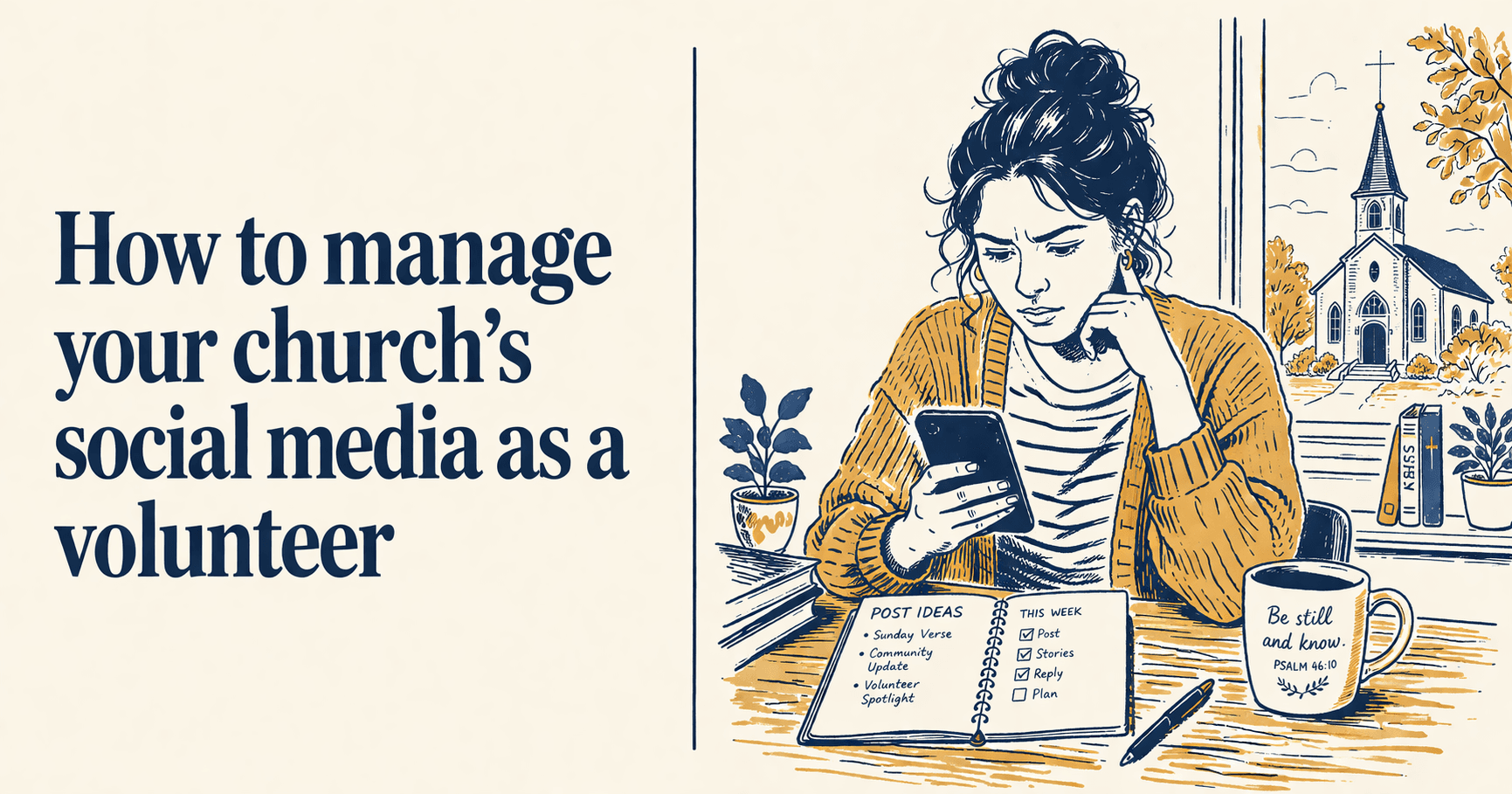
You're the person who said yes. Maybe the pastor asked at a leadership team meeting and nobody else put their hand up. Maybe someone noticed you were reasonably good with a phone and the job quietly became yours. Either way, you are now the person responsible for your church's Facebook page, and possibly Instagram too, and possibly the WhatsApp group, and you are doing all of this alongside a job, a family, and the forty other things you already do for the church.
This guide is for you. Not for professional communications people, not for American megachurches with dedicated media teams. For the UK church volunteer who is working it out as they go.
What you're actually trying to do
Before worrying about which platform to use, or how often to post, or whether your graphics look polished enough, it's worth being clear on what church social media is actually for.
It is not for going viral. It is not for building a following in some abstract sense, or competing with the larger churches in your area. It is for two things: keeping your existing congregation informed, and making your church findable to people in your local community who might be looking. Someone who has just moved to the area and wants to find a Sunday service. A parent looking for a toddler group or a youth group. Someone who hasn't been to church in years but is curious again and types your town into Google on a Sunday morning.
Keep those two purposes in mind and most decisions become simpler. If a post helps with one of those two things, it belongs. If it doesn't, it probably isn't worth the effort.
The platforms: where to start
If your church is only on one platform right now, it should almost certainly be Facebook.
This is not exciting advice, but it is the right advice for most UK churches. Facebook still has the broadest reach across the age groups that make up most congregations, and it is also where a lot of people go when they are looking for a local church for the first time. A well-maintained Facebook page with up-to-date service times, a recent photo, and a friendly post from the last week or two will do more practical good than a polished Instagram account that your congregation never actually uses.
Once Facebook is running well and feels manageable, Instagram is worth considering, particularly if your church has families with younger children or a younger adult congregation. It is a more visual platform and takes a bit more effort to do well, partly because photos matter more and partly because the algorithm rewards consistency. X (Twitter) is largely irrelevant for most UK churches unless you have a specific reason to be there.
Start with one platform. Do it properly. Add the next one only when the first is running without you having to think too hard about it.
What to actually post
Most church social media volunteers spend more time worrying about this than they need to. The content that performs best on church social media is rarely complicated; it is just regular and relevant.
Service times and any changes to them. This is the single most useful thing you can post. If your times are changing for Christmas, Easter, or a special service, post it in advance and post a reminder closer to the day. People miss things, and a quick reminder takes thirty seconds to write.
Events and activities. A post the week before, and a reminder the day before if it's something people need to book or plan around. Keep it simple: what is it, when, where, and whether people need to do anything in advance.
Photos from services and events. A real photo of real people in your church is worth ten stock images of generic sunrises with Bible verses over them. If you have a safeguarding policy about photos of children (which you should - more on that below), work within it, but do use genuine photos of your congregation where you can. People respond to faces.
Bible verses and short reflections. These tend to perform consistently well on church social media, particularly on Facebook where they are often shared and can reach people well beyond your immediate followers. A verse and two or three sentences of reflection is enough. You do not need a sermon.
Sermon content, if you have it. If your church is already recording and uploading sermons to YouTube, there is a wealth of material sitting there that most volunteers never think to use. A quote pulled from Sunday's sermon, a short clip, a summary of the main theme, a question the message raised: any of these make good posts, and they give your social media a direct connection to what is actually happening on a Sunday. If you are not yet recording sermons, it is worth raising with your pastor or leadership team as a relatively low-cost way to generate a lot of content.
Seasonal content. Advent, Christmas, Lent, Easter, Harvest, Remembrance Sunday: these are the moments when your congregation is already thinking about the church, and when people outside it are more likely to search for a local service. Plan these a few weeks ahead rather than scrambling the night before.
Practical information. Car park details, hall hire, contact information, who to call about a pastoral need. Useful, unglamorous stuff that people actually search for and are quietly grateful to find.
You do not need to post every day. Three or four times a week is fine for most churches, and two well-considered posts a week beats seven rushed ones. Consistency matters far more than frequency.
The bit everyone finds hardest: making time
The honest answer is that managing church social media takes about an hour a week if you are organised, and considerably longer if you are not.
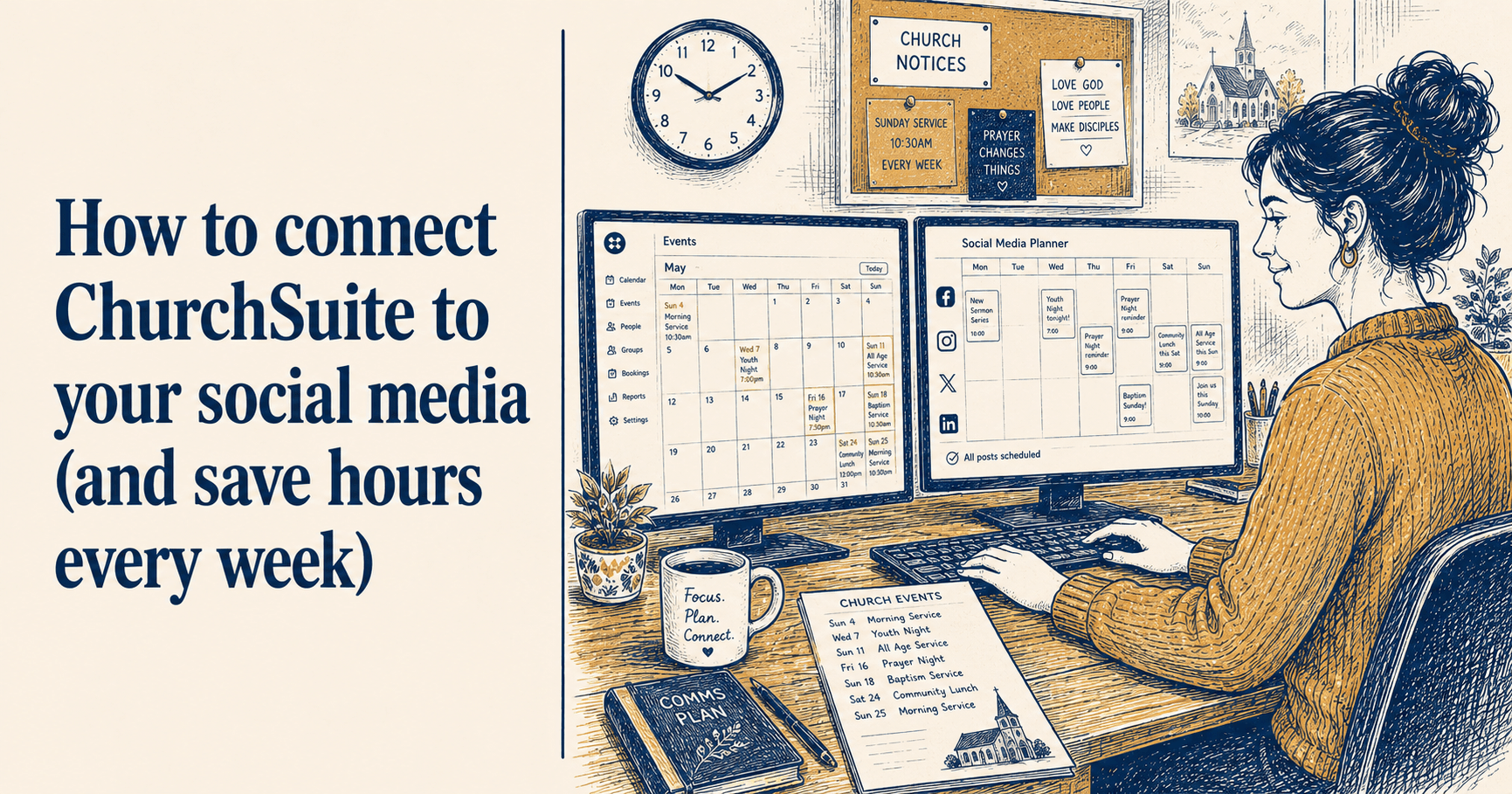
The single most effective habit to develop is batching your content. Set aside one hour on a Monday morning or Sunday afternoon. Plan what you want to post that week, write the captions, find or take the photos you need, and schedule everything to go out at the right times. Then close the app and do not think about social media again until the following week. It sounds simple, and it is, but it requires protecting that hour rather than letting it disappear into everything else.
Scheduling tools make this possible. Most allow you to draft posts in advance and set them to publish automatically, so you write everything in one sitting and the platform handles the rest. If you find yourself posting reactively every few days, logging in and wondering what to put up, a scheduling tool is the thing that will change that.
The other habit that helps is keeping a running list of content ideas somewhere accessible. When the pastor says something in a sermon that would make a good post, write it down immediately. When you take a decent photo at a church event, save it to a folder you can find again. When you come across a Bible verse that resonates, save it. A small bank of ideas and photos means you never sit down on Monday morning staring at a blank screen.
A quick word on GDPR and photos
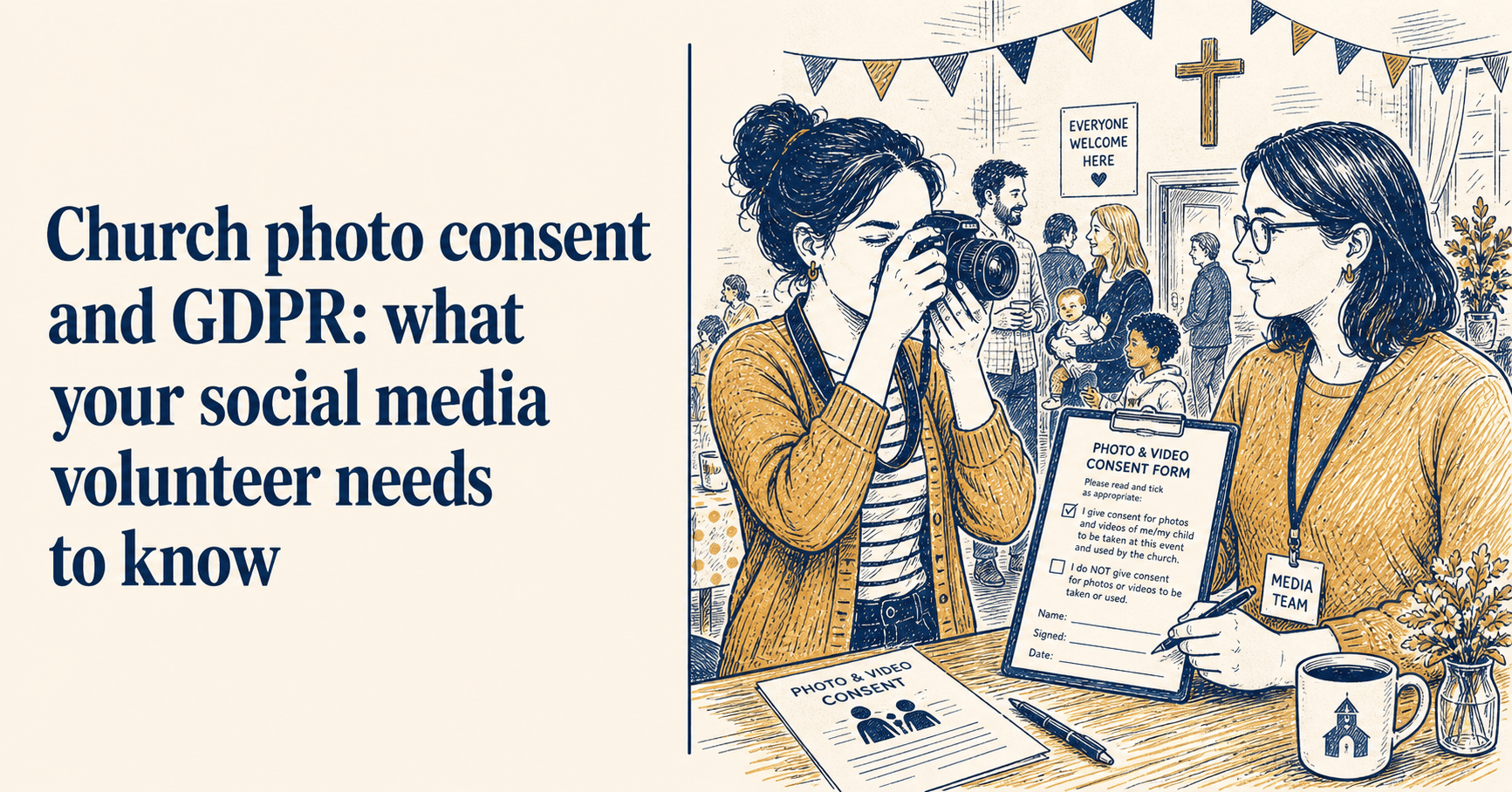
UK churches are subject to GDPR (the UK General Data Protection Regulation), and this catches a lot of volunteers out who were not expecting it to apply to them.
You need consent before posting photos of identifiable people, and this matters especially for children. Most churches manage this through a photography consent form that families complete when they first start attending. If your church does not have one, getting something in place should be a priority. Your denomination will often have a template, or your safeguarding lead should be able to point you to one.
For adults, a general announcement that photos may be taken and used on social media is usually sufficient, though it is worth checking with your pastor or leadership team if you are unsure. When in doubt, use photos where faces are not clearly identifiable, or ask people directly before you post.
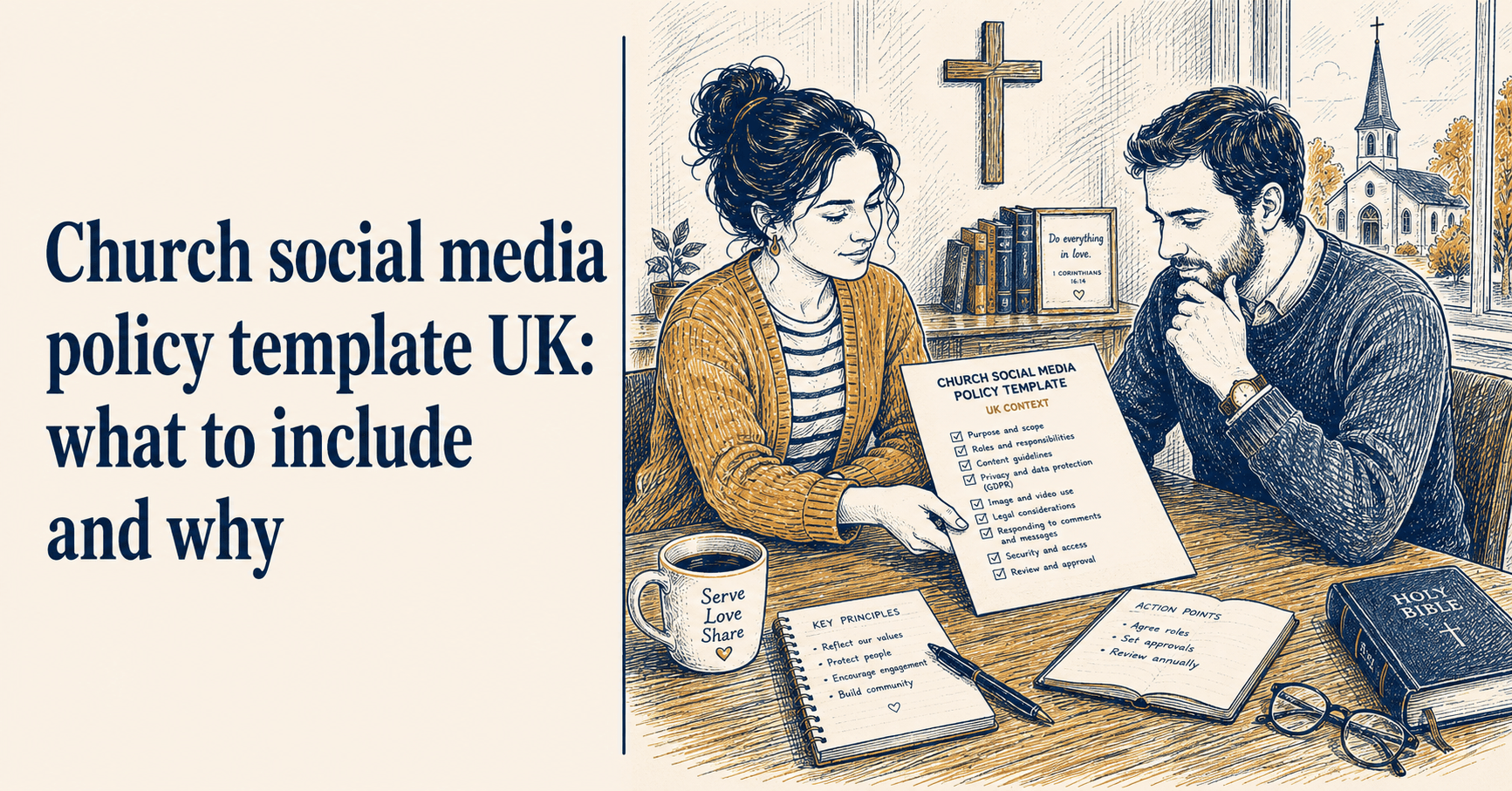
If your church does not have a social media policy, it is worth helping to create one. Many denominations have guidance available online, and a short, clear policy protects both the church and you as the volunteer managing the accounts.
None of this is designed to stop you posting photos. It is designed to make sure you can do it confidently.
Getting the look right without being a designer
You do not need design skills to produce graphics that look professional and consistent. What you need is a small set of decisions that you apply every time.
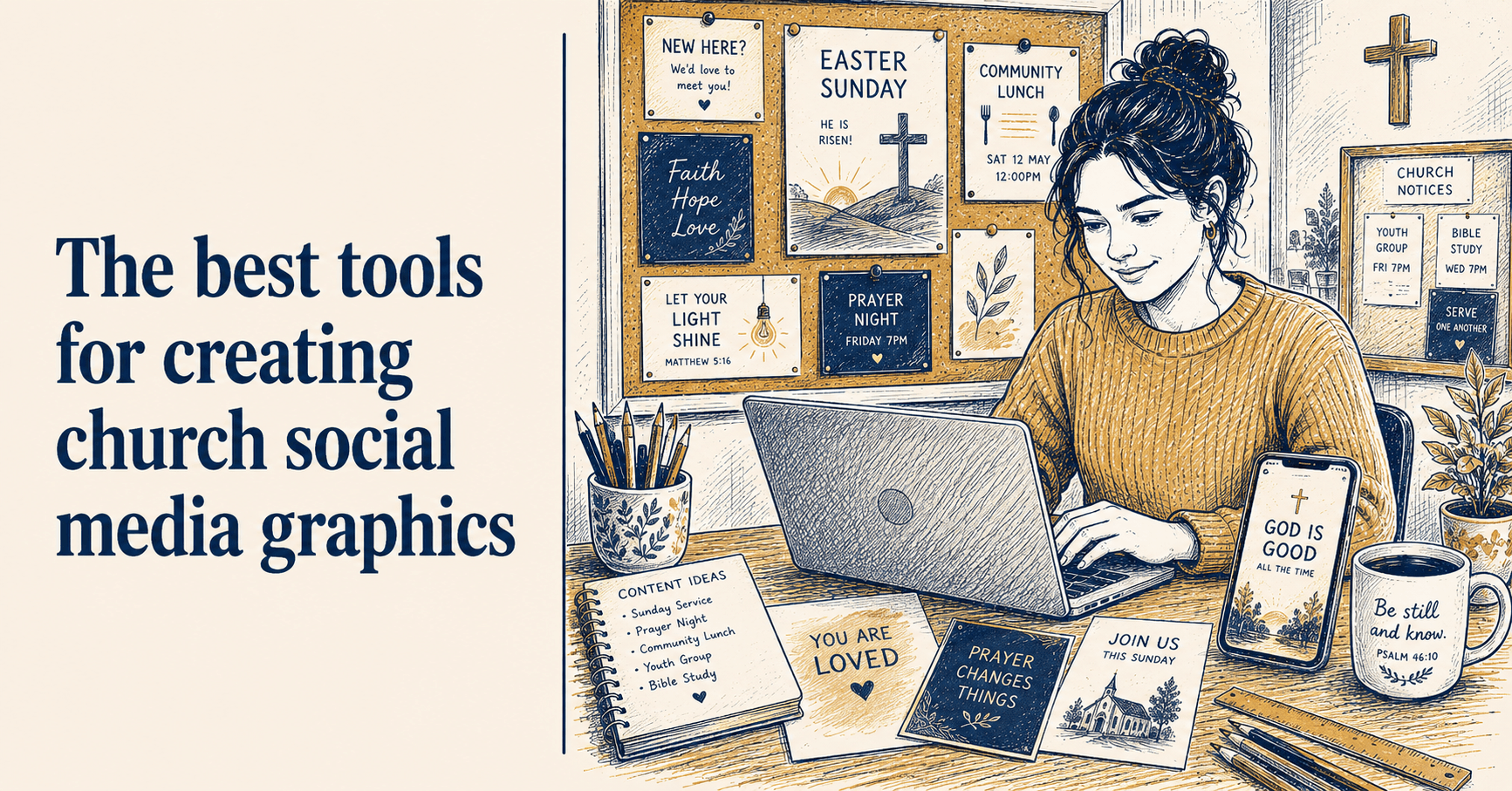
Pick two or three colours that reflect your church's identity. Settle on a font or two and use them for everything. Put your church name or logo on every graphic you post. Those three choices, applied consistently, will make your social media look intentional and coherent, even if each individual graphic took you five minutes to put together.
Free tools like Canva have templates that make this easier, though many of their church-specific templates are designed around US occasions and sensibilities. ChurchReach has templates designed specifically for UK church moments, including Remembrance Sunday, Harvest Festival, Christingle and Advent, occasions that most other tools simply do not have covered.
When things go wrong
At some point, someone will post a negative comment. A post will go out with the wrong time on it. The pastor will change the service arrangements after you have already announced them publicly.
For negative comments, respond briefly and calmly, or consider moving the conversation to a private message rather than continuing it in public. Avoid deleting comments unless they are genuinely abusive or contain harmful content, since removing critical comments tends to attract more attention than the original comment did.
For factual mistakes, correct them quickly and without drama. A follow-up post that simply says "Apologies - we said 10.30am but Sunday's service is at 11am" is entirely sufficient. Most people are more forgiving than you expect, and a prompt correction is far better than hoping nobody noticed.
The thing that does lasting damage to a church's online presence is not the occasional mistake; it is going quiet. If the Facebook page has not been updated in two or three months, anyone who visits will reasonably assume that not much is happening. Regular, ordinary posts - service times, a thought for the week, a photo from Sunday - are always better than a long silence.
Handing it over
If you have been doing this for a while and are thinking about passing it on to someone else, the most helpful thing you can do is start the handover before you are ready to stop.
Write down what you do, where the login details are, which accounts are linked to which email addresses, and what your regular posting rhythm looks like across the week. A short document covering those things saves the next volunteer a significant amount of confusion and means the accounts do not go quiet while they find their feet.
And if you are the person just starting out with no document, no clear brief and no obvious person to ask: that is more common than you might think. Most church social media volunteers learn by doing. The fact that you are reading something like this suggests you are approaching it more thoughtfully than most.
ChurchReach was built for UK church volunteers in exactly this situation - scheduling, templates designed around the UK church calendar, and AI captions that sound like a person rather than a press release. You can start a free trial at churchreach.co.uk.